Server
Run an HTTP server with Node.js and reach it from your browser at http://localhost:PORT.
Setup
- Set the runtime environment to Node.js or Browser & Node.js.
- Install any framework you want to use or use the built-in
httpmodule.
Built-in HTTP server
Node's http module is enough for quick experiments, with no install needed:
import { createServer } from 'node:http'

createServer((req, res) => {
  res.writeHead(200, { 'Content-Type': 'text/html' })
  res.end('<h1>Hello from RunJS!</h1>')
}).listen(3000)
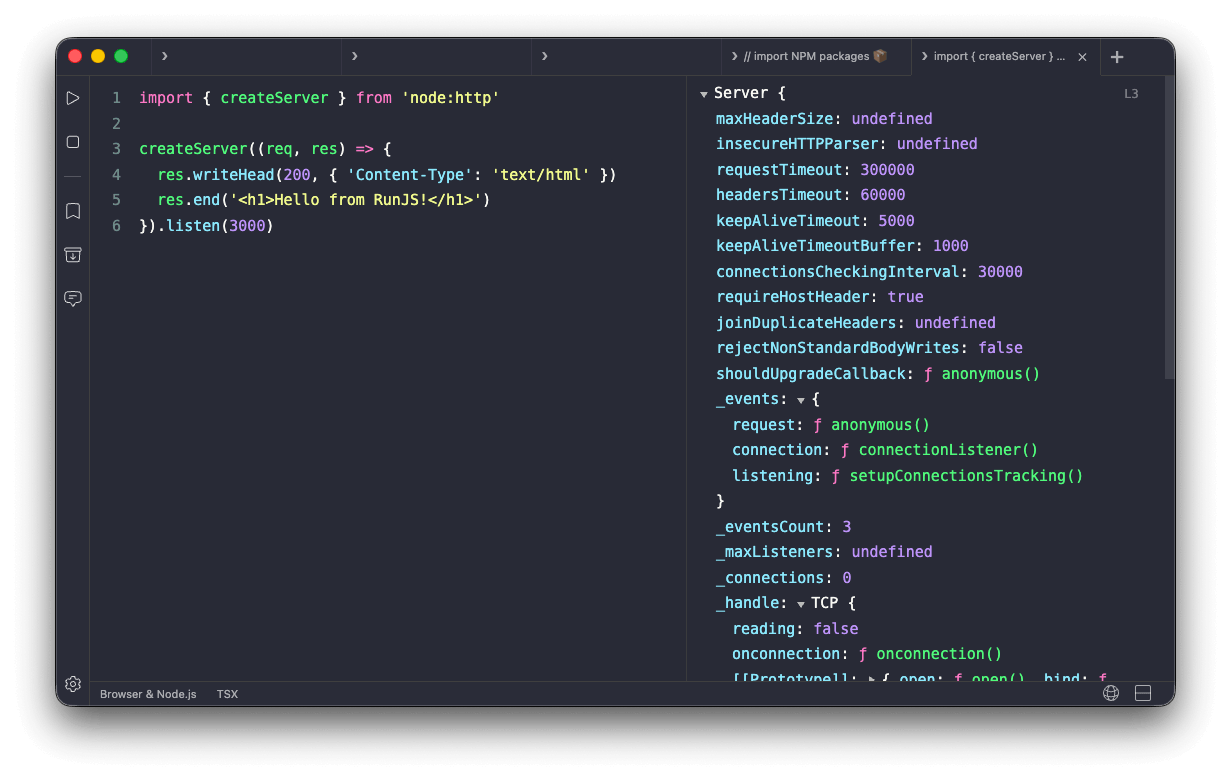
Visit http://localhost:3000 in your browser to see the response.

Express
For routing, middleware, and a friendlier API, install express:
import express from 'express'

const app = express()

app.get('/', (req, res) => {
  res.send('<h1>Hello from RunJS!</h1>')
})

app.listen(3000)