Web Audio
The Web Audio API lets you generate sounds, play samples, and wire up audio graphs without setting up an HTML page.
Setup
Set the runtime environment to Browser or Browser & Node.js.
Playing a sound
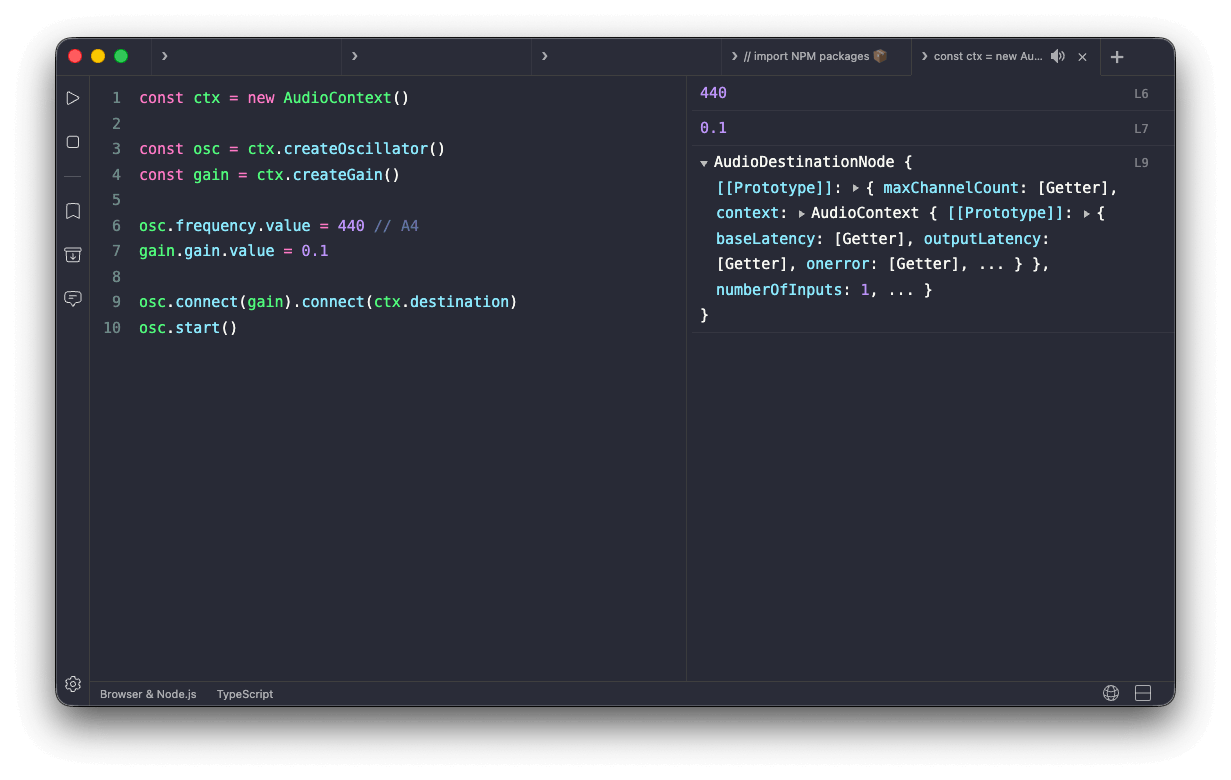
Create an AudioContext, connect an oscillator to a gain node, and play a short note:
const ctx = new AudioContext()

const osc = ctx.createOscillator()
const gain = ctx.createGain()

osc.frequency.value = 440 // A4
gain.gain.value = 0.1

osc.connect(gain).connect(ctx.destination)
osc.start()
osc.stop(ctx.currentTime + 0.5)
Change osc.type to 'square', 'sawtooth', or 'triangle' for different timbres.
Playing a melody
Schedule a sequence of notes by stepping through frequencies and start times:
const ctx = new AudioContext()

const notes = [
  { freq: 261.63, time: 0 },    // C4
  { freq: 329.63, time: 0.25 }, // E4
  { freq: 392.00, time: 0.5 },  // G4
  { freq: 523.25, time: 0.75 }, // C5
]

for (const { freq, time } of notes) {
  const osc = ctx.createOscillator()
  const gain = ctx.createGain()

  osc.frequency.value = freq
  gain.gain.setValueAtTime(0.2, ctx.currentTime + time)
  gain.gain.exponentialRampToValueAtTime(0.001, ctx.currentTime + time + 0.3)

  osc.connect(gain).connect(ctx.destination)
  osc.start(ctx.currentTime + time)
  osc.stop(ctx.currentTime + time + 0.3)
}
The gain ramp smooths each note's tail so the transitions don't click.