Appearance
The Appearance tab controls the visual aspects of RunJS.
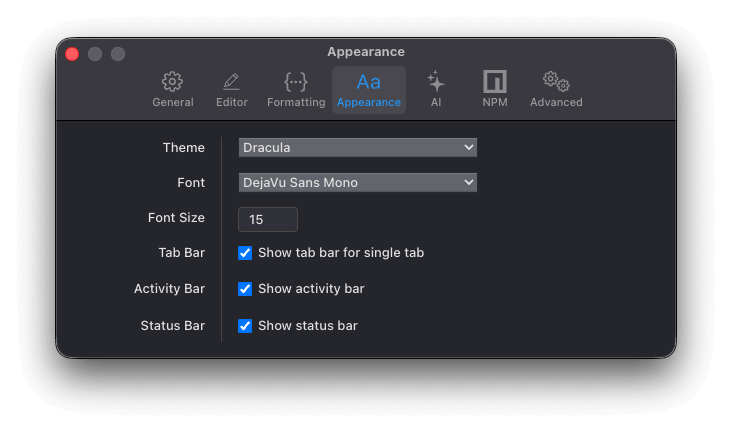
Theme: Choose from a selection of themes inspired by popular colour palettes and editor themes.
Font: Pick from a curated list of pre-loaded coding fonts, or select any font installed on your computer.
Font Size: The size of the editor and output font, in pixels.
Tab Bar: Keep the tab bar visible even when only one tab is open.
Activity Bar: Show or hide the activity bar.
Status Bar: Show or hide the status bar.