Editor
The Editor tab controls how the code editor behaves while you write.
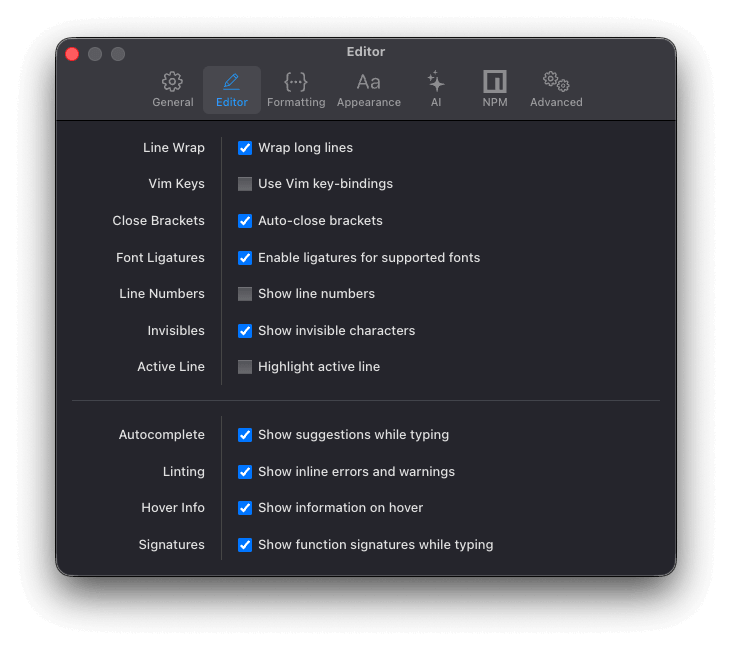
Line Wrap: Lines longer than the width of the editor pane wrap onto the next line instead of overflowing horizontally.
Vim Keys: Enable Vim key bindings for editing and navigation.
Close Brackets: Automatically insert the matching closing bracket when you type an opening bracket.
Font Ligatures: Render character combinations such as => and !== as single composite glyphs, when the chosen font supports them.
Line Numbers: Show line numbers in the editor.
Invisibles: Render whitespace characters so they're visible in the editor.
Active Line: Highlight the line the cursor is currently on.
Autocomplete: Show code suggestions as you type.
Linting: Use the TypeScript language service to analyse your code, surfacing errors and warnings inline.
Hover info: Hover over a symbol to see its type information and relevant documentation.
Signatures: Display function signature information in a tooltip as you write a function call.