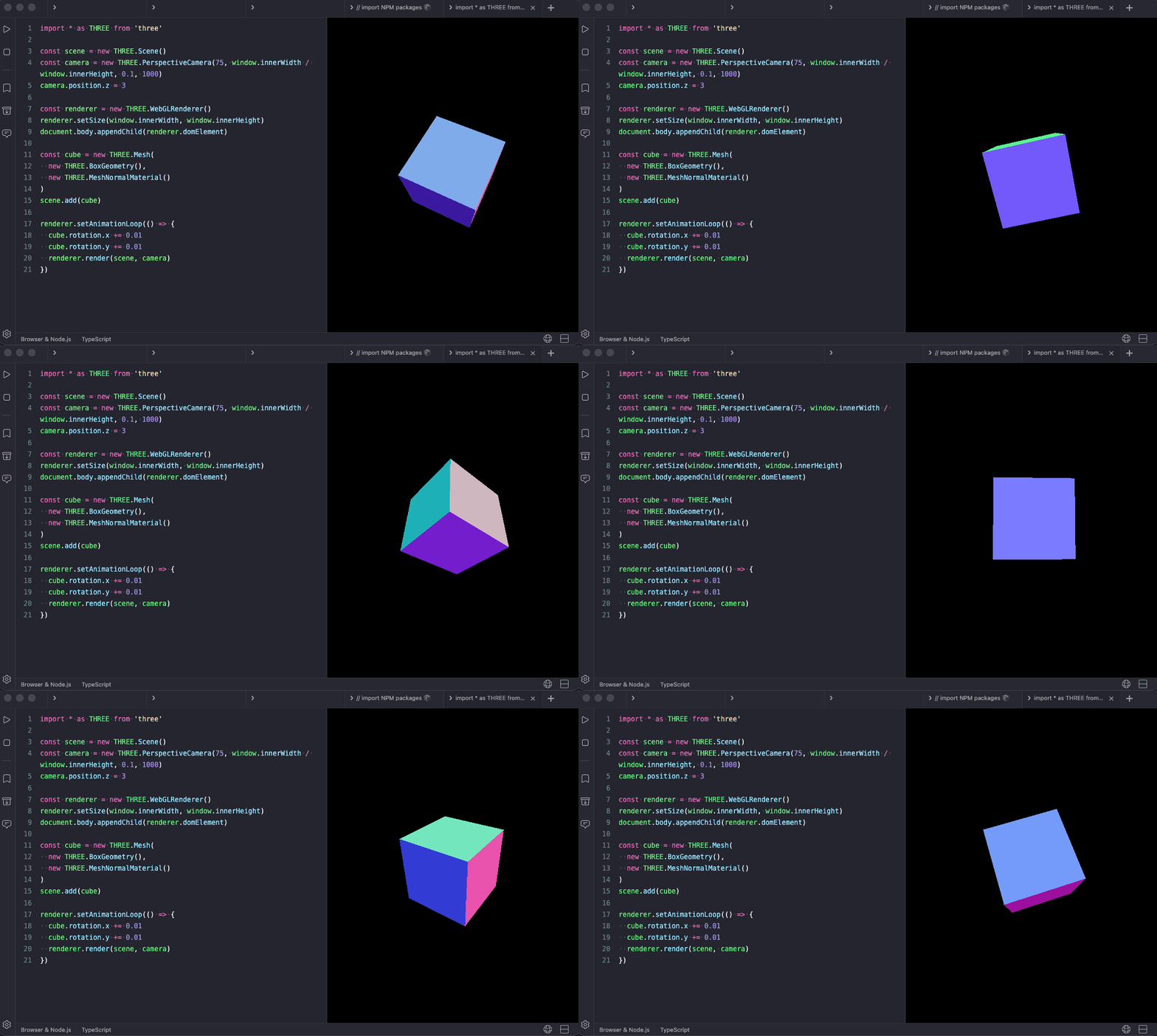
Three.js
Three.js is a JavaScript library for rendering 3D graphics in the browser via WebGL. You can run it inside the web view.
Setup
- Set the runtime environment to Browser or Browser & Node.js.
- Toggle the web view on.
- Install
three.
Rendering a 3D scene
Three.js's renderer creates its own canvas, so append renderer.domElement to document.body:
import * as THREE from 'three'

const scene = new THREE.Scene()
const camera = new THREE.PerspectiveCamera(75, window.innerWidth / window.innerHeight, 0.1, 1000)
camera.position.z = 3

const renderer = new THREE.WebGLRenderer()
renderer.setSize(window.innerWidth, window.innerHeight)
document.body.appendChild(renderer.domElement)

const cube = new THREE.Mesh(
  new THREE.BoxGeometry(),
  new THREE.MeshNormalMaterial()
)
scene.add(cube)

renderer.setAnimationLoop(() => {
  cube.rotation.x += 0.01
  cube.rotation.y += 0.01
  renderer.render(scene, camera)
})
setAnimationLoop runs cleanly on each Auto Run, so you can tweak materials, geometry, or camera position and see the result without restarting anything.