User Interface
The RunJS window is split into a few key areas:
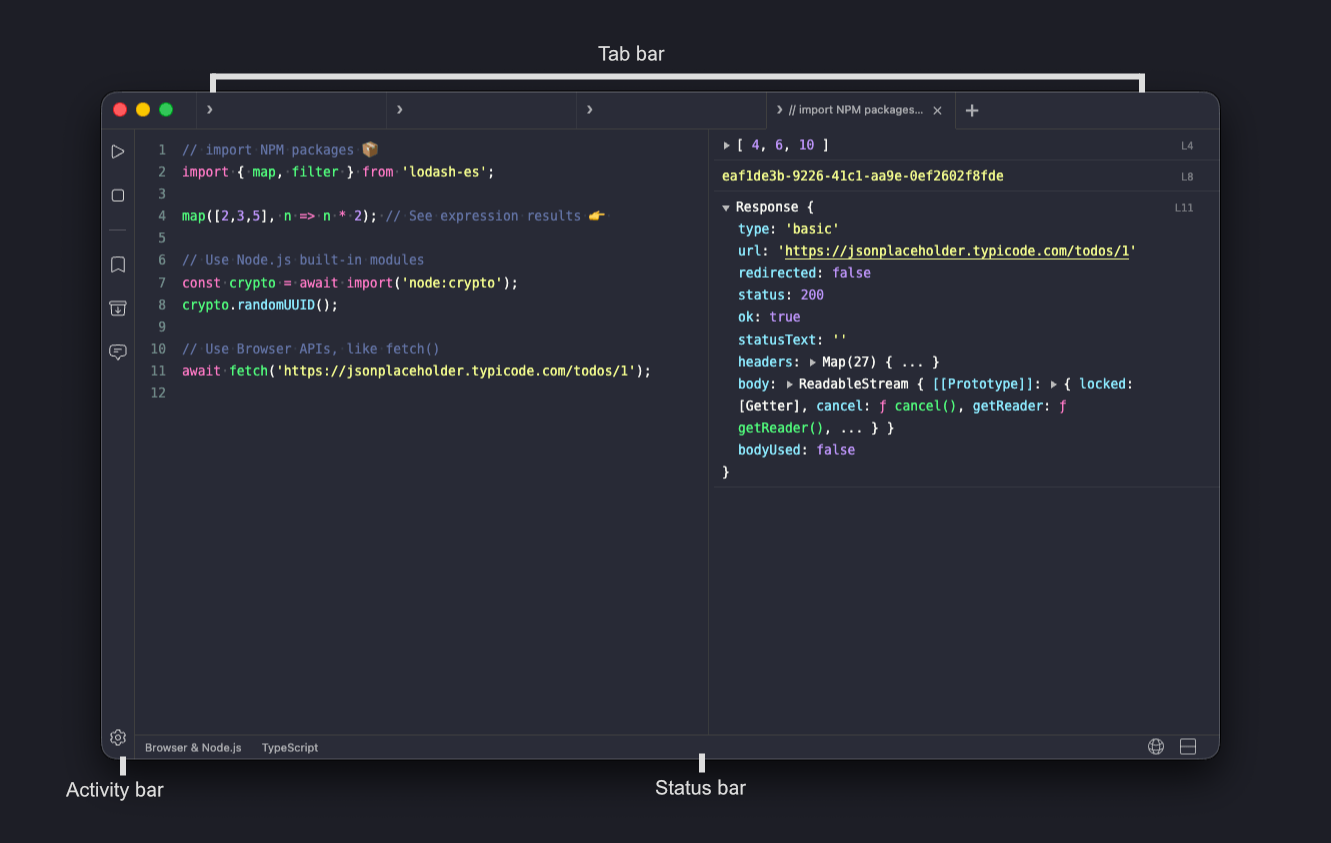
- Editor pane: where you write code.
- Output pane: where results appear; also hosts the web view when toggled.
- Tab bar: above the panes. Click
+to open a tab; right-click a tab to rename it. The first line of code becomes the default title. - Activity bar: runs along the left edge with Run, Stop, Snippets, NPM Packages, AI Chat, and Settings.
- Status bar: switches the runtime environment, language, and the web view toggle.
- Main menu: File, Edit, Actions, Tools, View, Themes, Window, Help.
Layout
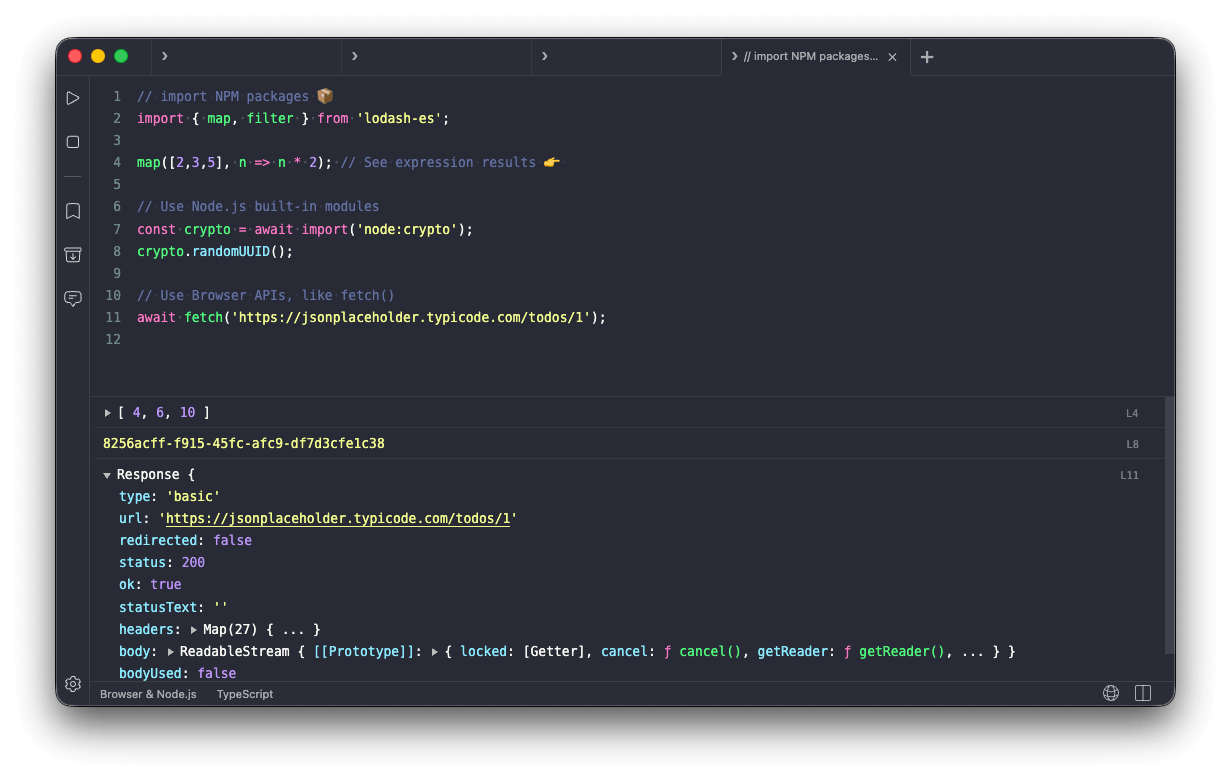
The editor and output panes are split horizontally by default. Drag the central divider to resize them, or switch to a vertical layout from View → Layout → Vertical.
Output Layout
The output pane can be toggled between the output console or the web view. It can also be split between the two and arranged by dragging their respective tile headers.